
Follow the instructions below if you qualify for a fee waiver.
If you did NOT qualify for a fee waiver, go to this link instead.
2. Answer the form questions on the DOJ website
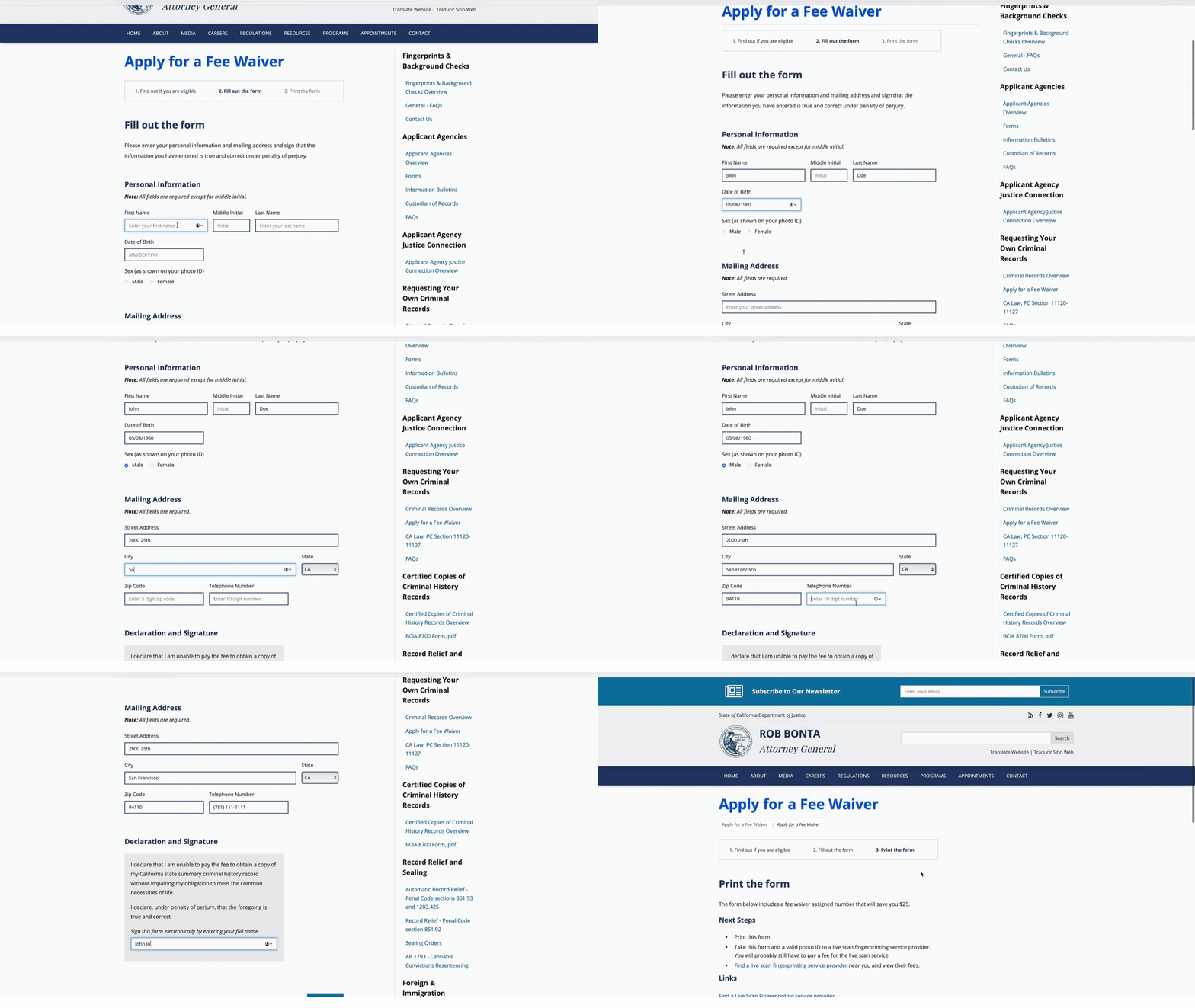
On the DOJ website, click "Next".
Then fill out the form.
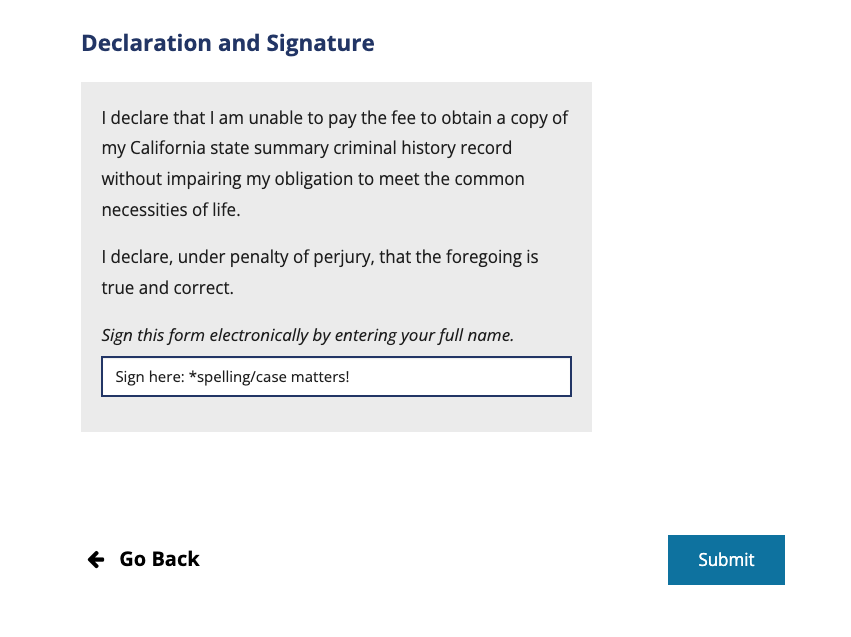
Note: make sure that your name in the “Personal Information” section is an exact match to the “Declaration and Signature” section at the bottom (even for capitalization).
After filling out your personal information, click "Submit".
Here's what you'll see on the DOJ website:


3. Click Save/Download
Open up the form and save it.
Note: this is not your RAP sheet. This is a form that you will take to a Live Scan operator to request your RAP sheet.

4. Print
If you don’t have access to a printer, go to your local library.
5. Fill in the rest of the form
Fill out the rest of your personal info in the “Applicant Information” section. Make sure that your address is filled in correctly. The DOJ will mail you a copy of your RAP sheet.
If you would like another party to get a copy, make sure they they are listed as a designee.
6. Visit your nearest Live Scan location
Bring your form and an ID!
Fees and hours will vary from site to site. Some sites require appointments, other require walk-ins. Call the site beforehand to learn about hours of operations and costs.
You must bring a driver’s license or other form of ID with you. Acceptable forms of ID can be found here.
After your Live Scan is complete and the operator fills out the bottom part of the form, take a photo of the form (think of this as a “receipt”).
Wait to receive your RAP sheet
- Wait to receive the RAP sheet in the mail
- See this page to learn about what a RAP sheet looks like